Thread Interruption
Author: Ter-Petrosyan Hakob
A thread stops running when its run method finishes. This can happen in a few ways:
- The method executes a
returnstatement. - The method reaches its last statement.
- An exception occurs and is not handled in the method.
In early versions of Java, there was a stop method that could force a thread to end. But this method was unsafe and can now
throw an UnsupportedOperationException instead of stopping the thread.
How to Stop a Thread Safely
You cannot force a thread to stop immediately. Instead, you can request that it stops using the interrupt method.
When you call interrupt on a thread, the thread’s interrupted status is set. Think of this as a flag that says, “Someone wants me to stop.” Each thread can check this flag and decide how to respond.
To check if a thread has been interrupted, you can use:
while (!Thread.currentThread().isInterrupted() && moreWorkToDo) {
    doWork();
}
Here, the loop continues only if the thread has not been interrupted and there is still work to do.
What Happens If the Thread is Waiting
Sometimes a thread is blocked—for example, it is sleeping or waiting for a task. In this case, it cannot check the interrupted flag. That’s where InterruptedException comes in.
If you call interrupt on a blocked thread, the thread will throw an InterruptedException and stop waiting. For example:
Runnable task = () -> {
    try {
        while (moreWorkToDo) {
            doWork();
            Thread.sleep(1000); // simulate work delay
        }
    } catch (InterruptedException e) {
        System.out.println("Thread was interrupted while sleeping.");
    } finally {
        cleanupResources();
    }
};
Here, if the thread is interrupted during sleep, the exception is thrown, the thread handles it, and the finally block ensures any cleanup happens
Checking the Interrupted Status vs Handling InterruptedException
There are two ways to deal with interruption:
- Check the flag using
isInterrupted(). - Catch the
InterruptedExceptionwhen calling interruptible methods likesleep,wait, orjoin.
If your loop uses sleep after every iteration, you do not need to check isInterrupted() because the sleep method will automatically throw InterruptedException if the thread is interrupted.
Runnable task = () -> {
    try {
        while (moreWorkToDo) {
            doWork();
            Thread.sleep(500); // pause after work
        }
    } catch (InterruptedException e) {
        System.out.println("Interrupted during sleep, stopping task.");
    } finally {
        cleanupResources();
    }
};
interrupted() vs isInterrupted()
Java has two similar methods:
interrupted()– checks if the current thread is interrupted and clears the flag.isInterrupted()– checks if any thread is interrupted but does not clear the flag.
Example:
if (Thread.currentThread().isInterrupted()) {
    System.out.println("Thread has been interrupted, but the flag is still true.");
}
Do Not Ignore InterruptedException
Sometimes, developers ignore the InterruptedException in small tasks:
void smallTask() {
    try {
        Thread.sleep(1000);
    } catch (InterruptedException e) {
        // nothing here -- BAD!
    }
}
This is bad practice. If the thread is sleeping, it cannot stop because the exception is ignored.
There are two correct ways to handle it:
- Let the Exception Propagate
 void smallTask() throws InterruptedException {
     Thread.sleep(1000);
 }
The caller can catch it and handle the interruption properly.
- Restore the Interrupted Status
 void smallTask() {
     try {
         Thread.sleep(1000);
     } catch (InterruptedException e) {
         Thread.currentThread().interrupt(); // restore the flag
     }
 }
This way, the caller can check if the thread was interrupted.
New Example: Downloading Files
Imagine a thread downloading multiple files. You want it to stop if the user cancels the operation:
Runnable downloadTask = () -> {
    try {
        for (int i = 0; i < files.size(); i++) {
            if (Thread.currentThread().isInterrupted()) {
                System.out.println("Download cancelled.");
                break;
            }
            downloadFile(files.get(i));
            Thread.sleep(200); // simulate network delay
        }
    } catch (InterruptedException e) {
        System.out.println("Download interrupted.");
    } finally {
        closeConnections();
    }
};
Here, the thread can either check the flag or rely on InterruptedException during sleep. This ensures safe and predictable termination.
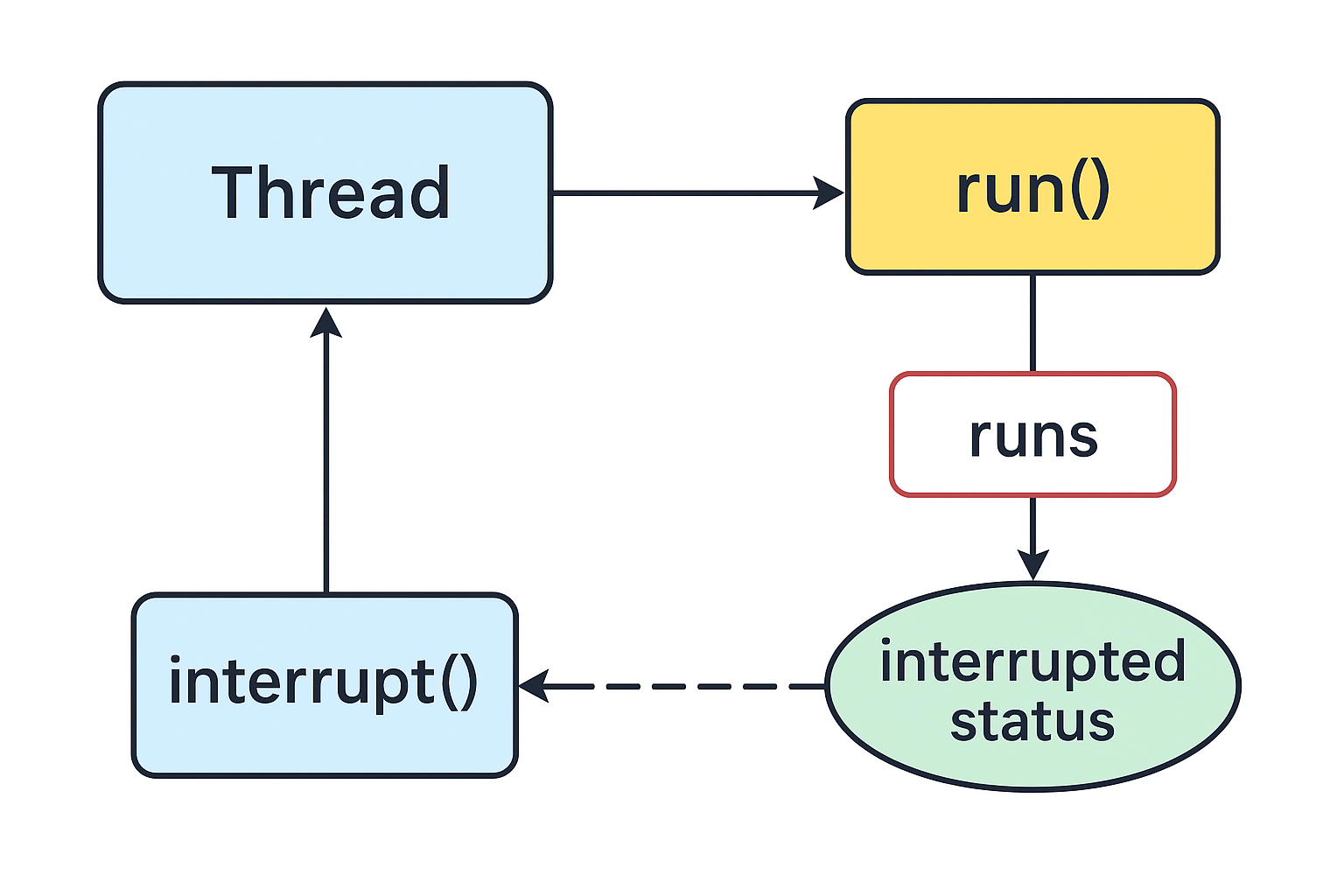
java.lang.Threadvoid interrupt()Sends a request to stop a thread. The thread’s interrupted status becomestrue. If the thread is waiting or blocked, it throws anInterruptedException.static boolean interrupted()Checks if the current thread (the one running this code) has been interrupted. This is a static method. It also resets the interrupted status of the current thread tofalse.boolean isInterrupted()Checks if a thread has been interrupted. Unlike the staticinterrupted()method, it does not change the thread’s interrupted status.static Thread currentThread()Returns the Thread object for the thread that is running now.